

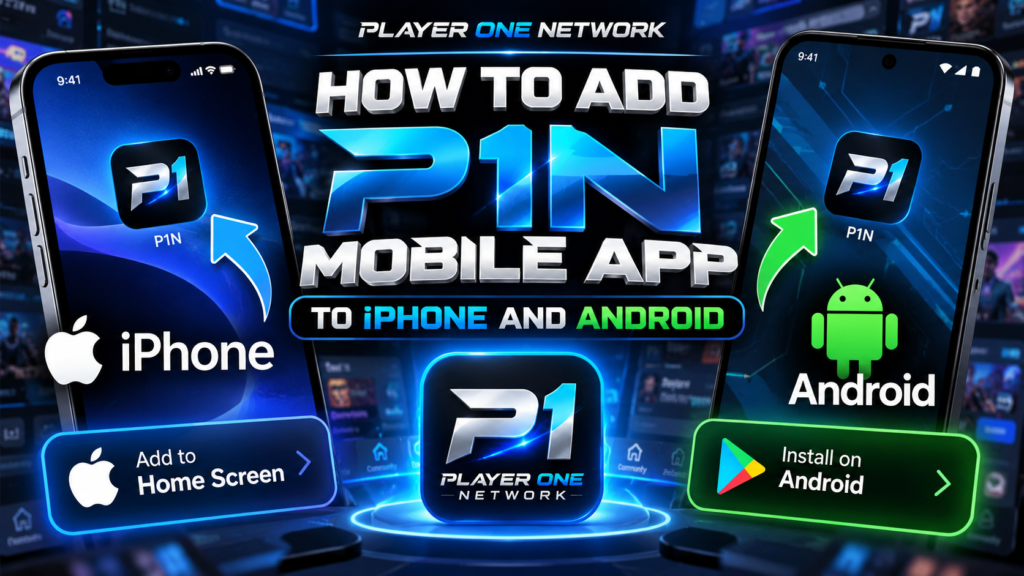
Lets start off first by visiting https://playeronenetwork.com/app
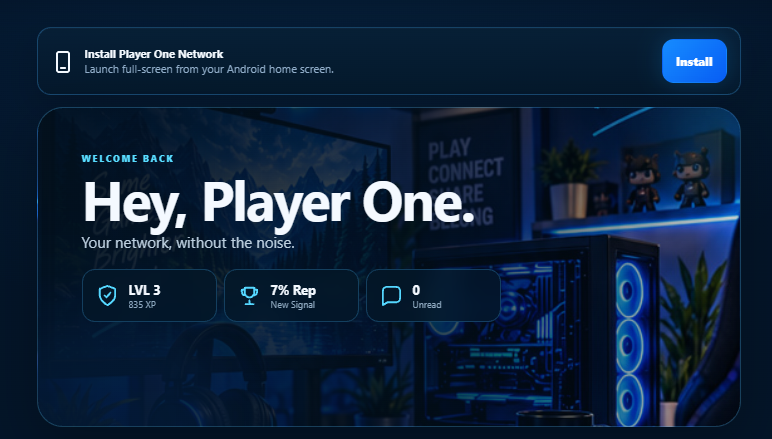
After logging in you will be greeted with a Install option for the app if you use Android seen in the picture below.
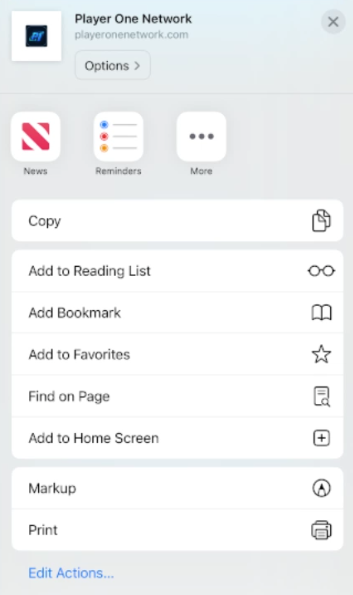
For iPhone unfortunately, it was not as simple. Instead you have to still do roughly the same thing, but instead once you visit the app page. You’ll click your share icon and click “Add to Home Screen”
Lastly, this should pop up.
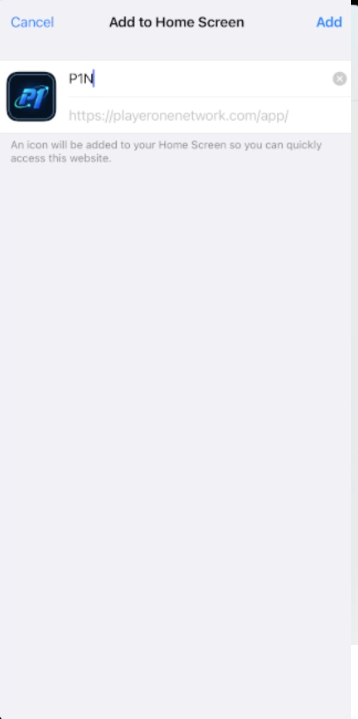
Then the app will be successfully on your iPhone and act like a normal application. This is currently a guide how to get the app on either Android or iPhone, until later we add the app officially to Google Play and iPhone App Store.
Was this guide helpful?Your vote helps useful guides stand out.
Join the conversation
Share a correction, extra tip, or a better way to tackle this guide.
Be the first to add a useful response to this guide.