
Patch Notes #2
🎮 PLAYER ONE NETWORK — PATCH NOTES September 14, 2026 Another day of development is in the books for Player One Network. Today’s updates focused heavily on expanding the new Knowledge & Guides side…
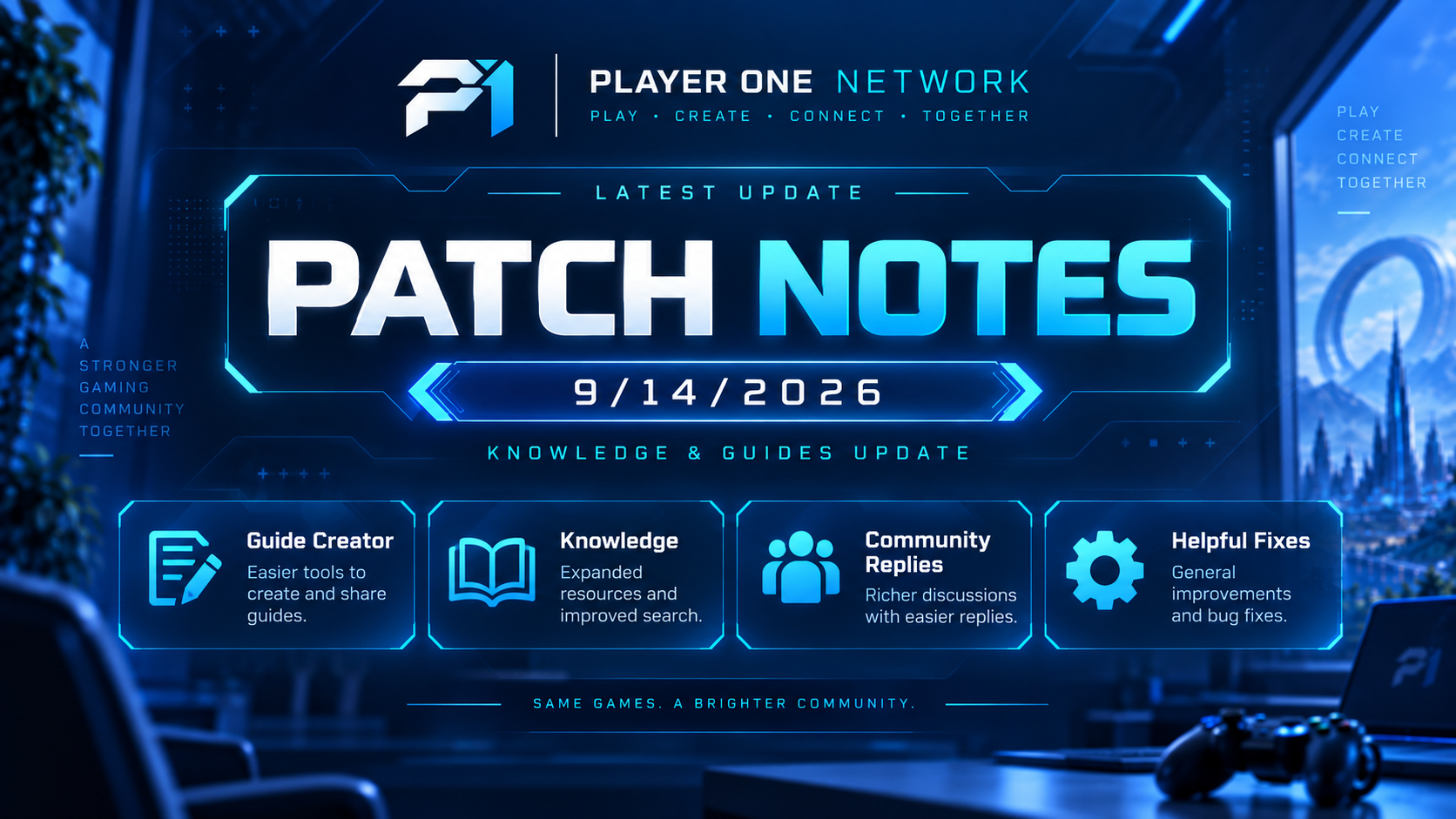
🎮 PLAYER ONE NETWORK — PATCH NOTES
September 14, 2026
Another day of development is in the books for Player One Network.
Today’s updates focused heavily on expanding the new Knowledge & Guides side of P1 — giving the community better tools to create detailed guides, improving how those guides look when published, and adding more ways for players to interact with helpful content.
📚 PLAYER ONE KNOWLEDGE
Development continued on the Player One Knowledge system — our home for community-created guides, tutorials, walkthroughs, technical help, and other useful information.
The goal is to make Knowledge feel like a true part of the Player One Network ecosystem rather than a traditional wiki or basic article system.
✍️ CREATE-A-GUIDE IMPROVEMENTS
The guide creation experience received another major round of improvements.
🖼️ Richer Guide Content
Guide creators are being expanded beyond simple text.
Creators can now build guides with support for content such as:
- Images
- Videos
- Additional visual content
- Multiple guide sections
- More structured article layouts
This should make guides much more useful for walkthroughs, tutorials, hardware help, game strategies, and other topics where screenshots or videos are important.
🎨 GUIDE CREATOR REDESIGN
The Create Guide interface has been refined to better fit the rest of Player One Network.
Improvements include:
- Cleaner spacing and alignment.
- Better organization of guide-building tools.
- Improved visual hierarchy.
- A more polished gaming/tech appearance.
- Less generic editor styling.
- More consistent Player One Network colors and interface elements.
The goal is to make creating a guide feel like an actual P1 feature rather than filling out a traditional WordPress form.
📊 GUIDE COMPLETION / PROGRESS SYSTEM
The guide editor includes recommendations designed to help creators build stronger articles.
Work was done on the guide progress system, which tracks whether recommended parts of an article have been completed.
Previously, some completed changes weren’t properly reflected by the progress/status indicator.
That behavior has been addressed so the guide checklist can more accurately react as creators improve their articles.
This system helps encourage things such as:
✅ Better guide structure
✅ More complete information
✅ Improved readability
✅ Useful media
✅ Higher-quality community guides
💻 VISUAL / CODE EDITOR POLISH
The Visual / Code editor controls received another UI pass.
Changes focused on:
- Fixing alignment issues.
- Reducing overly bright white elements.
- Better matching the darker blue P1 interface.
- Making switching between editing modes feel more integrated with the guide creator.
Small detail — but much better for consistency.
📖 PUBLISHED GUIDE PAGE REDESIGN
Published guides were also given some much-needed attention.
Some article pages were appearing with a large white content background, which looked completely out of place against Player One Network’s blue gaming/tech design.
Guide pages are being updated so published articles properly fit within the P1 visual system.
That includes:
- Darker / blue-toned article presentation.
- Better readability.
- Cleaner content containers.
- Improved section presentation.
- More consistent spacing.
- Better integration with the rest of the website.
Guides should now feel like they actually belong on Player One Network.
👍 HELPFUL SYSTEM FIX
A bug was discovered with the Helpful button on guides.
Previously, someone could:
- Mark a guide as helpful.
- Refresh the page.
- Press Helpful again.
- Continue increasing the count.
That obviously wasn’t ideal.
The Helpful system is being corrected so one user can’t repeatedly inflate the Helpful count simply by refreshing the page.
This should make the rating much more representative of actual community feedback.
💬 GUIDE RESPONSES & DISCUSSIONS
The community response system underneath guides is also getting expanded.
The existing reply-to-a-reply presentation was functional, but visually it didn’t make conversations particularly easy or enjoyable to follow.
🧵 Better Nested Responses
Replies are being redesigned to make discussion threads clearer.
Improvements include:
- Better visual separation between responses and replies.
- Clearer nesting.
- Cleaner spacing.
- More interactive reply presentation.
- Better indication of who is responding to whom.
- A design that matches the rest of Player One Network.
This should make longer discussions underneath guides considerably easier to follow.
❤️ LIKES FOR GUIDE COMMENTS
Another new community feature is being added:
Comment Likes
Players will be able to like useful, interesting, or helpful responses underneath Knowledge articles.
This gives the community another way to surface valuable information without needing to post another reply.
It also brings the Knowledge discussion system closer to the social features being developed elsewhere throughout Player One Network.
🌐 BUILDING A CONNECTED P1 ECOSYSTEM
A major goal with these updates is making sure every part of Player One Network feels connected.
Instead of having one system for articles, another unrelated system for social posts, another for video, and another for guides, we’re continuing to bring them together under a common design and community experience.
Player One Knowledge is becoming a place where the community can:
📚 Create Guides
🎮 Share Gaming Knowledge
💻 Post Tech Tutorials
🖼️ Use Images & Media
🎬 Include Videos
💬 Discuss Guides
❤️ Like Helpful Responses
👍 Recommend Useful Articles
…and there’s still plenty more planned.
🔧 ALSO POLISHED TODAY
Alongside the larger changes:
- Additional UI alignment issues were cleaned up.
- Editor styling was brought closer to the P1 theme.
- Guide-page colors were made more consistent.
- Community interaction features received additional polish.
- Several small usability issues throughout Knowledge were identified and addressed.
🚀 PLAYER ONE NETWORK CONTINUES TO GROW
What started as a gaming and technology site continues to expand into something much larger.
Articles. Videos. Social. Messaging. Guides. Community.
Each system is gradually becoming another piece of the same Player One Network.
Thanks to everyone checking out the development, testing features, and helping shape where P1 goes next.
More updates coming soon. 🎮💙
— Player One Network
COMMUNITY DISCUSSION
Join the conversation